
Text to speech
Read Aloud
Listen to PDFs, Word files and pasted text with offline voices and background playback on Android.
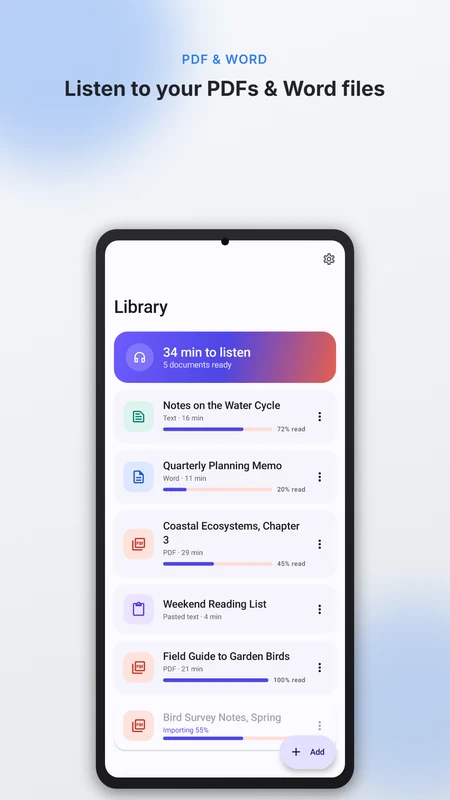
Open a document or paste text
Import a PDF, DOCX, DOC or TXT file or paste something to listen to. Scanned PDFs require a text layer, and password-protected documents are unsupported.
Pick an offline voice
Choose an installed offline system voice or download an on-device neural voice. Available languages depend on the voice you select.
Keep listening in the background
Control playback from the notification or lock screen, adjust speaking speed and see the current sentence highlighted in the reader. The library remembers your position when you come back.
Availability and privacy
For details on how Read Aloud handles your data, see the app privacy policy. Contact support@lamprof.com for availability or privacy questions.