
Study and daily life
Offline AI for focused study sessions
A local model is most useful in study when it makes you retrieve and explain—not when it quietly does the work for you. Here is a compact routine that fits a phone and still works after you leave Wi-Fi.
Start with a small learning loop
Choose one narrow topic. Ask for a plain-language explanation, close the answer, and explain it back in your own words. Then ask for five questions that test the weak spots you noticed. This is slower than copying a finished answer, and that is the point.
- “Explain this concept using one everyday analogy.”
- “Ask me one question at a time. Do not reveal the answer until I reply.”
- “Turn these notes into a 15-minute revision plan.”
Use offline time deliberately
Download a compatible model before you need it, then try one question in airplane mode. On-device generation can work without a connection after download. Installation, updates, model downloads, purchases, restores and connected diagnostics can still require a network.
Check facts, especially in assessed work
Local models can make confident mistakes. They are useful for practice questions, first-pass explanations and organizing your own notes, but not as a substitute for a textbook, teacher, citation, calculation check, or your institution’s academic-integrity rules. Never submit AI output as your own work where that is prohibited.
Which model to use for study
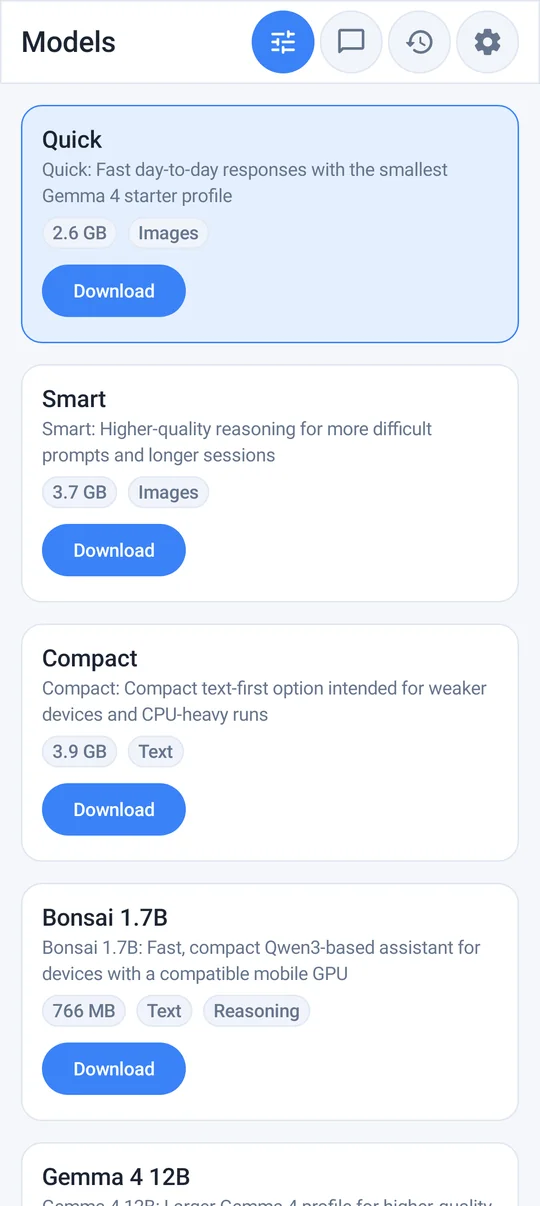
For explanations and practice questions, the full app's Quick or Smart model is a good fit on most phones; for step-by-step maths and logic, try Compact. On an older phone, AI Lite's simpler setup may be enough for short explanations and flashcards. See which local model to download for sizes and memory needs.
Pair it with a focus timer
A useful rhythm is 25 minutes working with your material, then five minutes of self-testing with the model. The AI becomes one short step inside the session instead of a tempting distraction, and the timer keeps you from drifting into endless chatting with the assistant.
Keep a study helper in your pocket
AI Lite: Offline AI Chat offers a simple local starting point for explanations, rewriting and practice prompts. Choose the full app if you also need document attachments and its broader model catalog.
A study loop that keeps the learner responsible
Use the model after an honest attempt, not before it. Write a two-sentence explanation from memory, ask the local assistant to identify gaps, and then return to the textbook or lecture notes for the correction. This sequence turns AI into a retrieval partner instead of a shortcut that hides what you do not understand.
Keep a small record of the topic, the question you missed, and the source you used to verify the answer. For assessed work, follow your school or course rules and submit only work you can explain yourself.
For a difficult topic, keep two columns in your notes: what the model suggested and what the course material confirms. That small separation prevents a plausible explanation from quietly becoming your answer. When you return later, the unanswered questions are still visible and the next study session has a clear starting point.
Also from our sister app Space Focus: Study Timer for College and Exam Prep.