
Writing and documents
Prepare text documents with local AI on Android
A useful summary begins before you ask for one. Give a local model a tidy text document and a precise question, and it is much more likely to return something you can check and use.
Choose a task, then write the prompt
“Summarize this” is a start, but a destination is better. Ask for a five-bullet brief, decisions and owners, a glossary for a beginner, or questions that the document does not answer. Include the audience and length you need.
- “List the deadlines and the sentence that supports each one.”
- “Explain this policy in plain English, then list what I still need to verify.”
- “Make flashcards only from facts explicitly stated in the text.”
Use formats the app can read
The full Offline AI Chat Private app supports TXT and Markdown attachments, while Premium adds questions about text-based PDF documents. PDF text is extracted locally. Scanned PDFs and password-protected PDFs are not supported, so use OCR or a source text file first when necessary.
Keep a human review step
A generated summary can omit a condition, confuse dates, or sound more certain than the source. Treat the document as the authority. For contracts, official forms, clinical information, safety procedures, or financial decisions, check the relevant source and obtain qualified advice where appropriate.
When AI Lite is enough
If your task is a pasted passage rather than an attachment workflow, AI Lite: Offline AI Chat is a simple option for local chat, rewriting, summaries and translation. Move to the full app when you need its document formats, model choice, saved history or export features.
Prompts for common documents
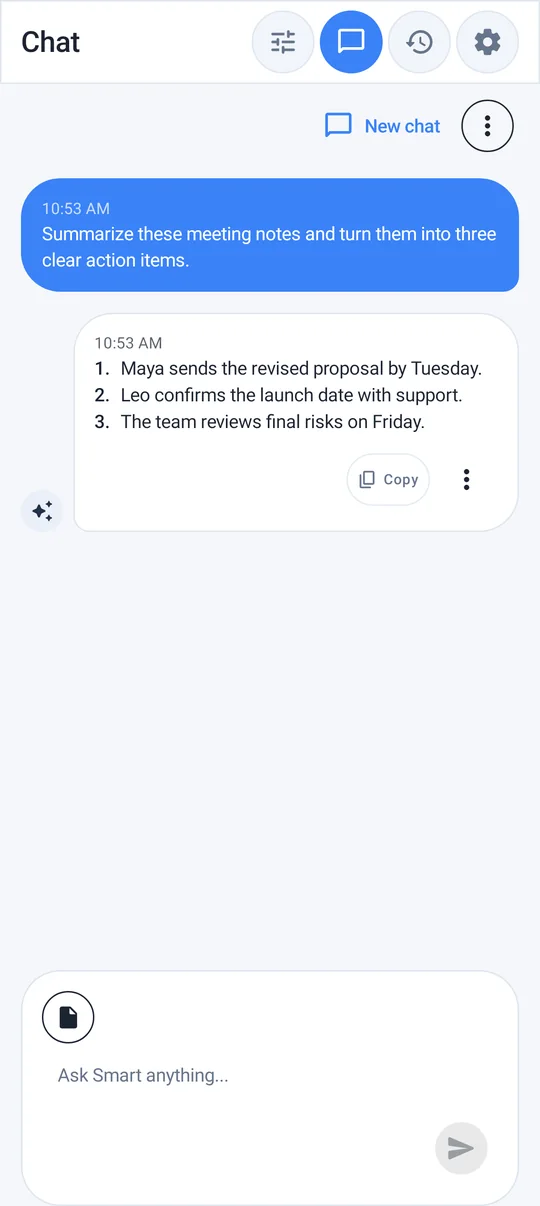
- Meeting notes: "List decisions, owners and deadlines as a table. Mark anything without an owner."
- Appliance or software manual: "Write the steps for first-time setup only, in plain language, numbered."
- Course reading: "Make ten self-test questions using only facts stated in this text."
- Long email thread: "What is being asked of me, by when, and what is still unresolved?"
When the document is too long
Models on a phone can only consider a limited amount of text at once. If the answer ignores later sections, work in parts: ask about one chapter or section at a time, then paste the short summaries together and ask for an overall view. Remove tables of contents, repeated headers and appendices you do not need — they take up space without adding meaning.
Ask better questions of your text
Bring a compatible text document to Offline AI Chat Private, ask a focused question, and review the answer against the source—all with local inference after your model is downloaded.
A document review checklist
Make a copy of the source file before asking for a summary or rewrite. Tell the model which fields, figures, names, and legal phrases must remain unchanged, then request a short change list alongside the proposed text. A visible change list turns a fluent answer into something you can audit.
Finish outside the model: compare the draft with the original, restore anything that was dropped, and mark facts that need a human or official review. Local processing helps with privacy, but it does not make a generated document the authoritative version.
Also from our sister app Voice Scribe: Turn rough voice notes into useful written drafts.